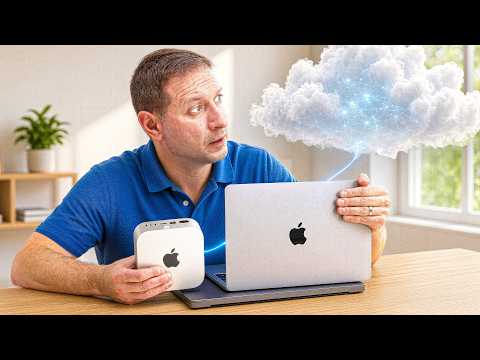
 📺 It Begins... Local AI and the Cloud Start Sharing
Perplexity Hybrid Compute Tested: Keeping Sensitive Data on Mac While Using Cloud AI
▼
Perplexity’s hybrid compute mode is examined across three Macs to see how it routes sensitive files to an on-device model while sending non-private tasks to cloud models. The demonstration uses sample financial, medical, and vehicle documents to show Privacy Gate detection and user approval flows. It also compares available local model options by RAM requirements and device capacity.
■ Hybrid workflow and Privacy Gate
- Enabling Privacy Gate and selecting hybrid mode in Perplexity Computer
- On-device model choices and RAM requirements across 16 GB, 32 GB, and 128 GB Macs
- Local processing of sensitive files, with cloud handling planning and web research
■ Document tests
- Matching bank statements, internet bills, and service agreement for charge discrepancies
- Handling photos of paper documents, including car rental, medical record, and parking ticket
- Review prompts for detected personal information and choices to process locally or share
■ Scope and limitations
- Focus on Perplexity Computer’s macOS app and selected local models
- No independent benchmark or security audit; results are based on demonstration scenarios
Viewers interested in local and cloud AI privacy tradeoffs and Mac-based AI workflows can use the demonstration to understand how hybrid routing and approval prompts operate. A practical takeaway is to check local model requirements and privacy settings before processing sensitive documents.
この動画を紹介した Alex Ziskind の最新動画も、紹介付きで読めます。
📄 このページの紹介文は AI が独自に生成したものであり、著作権をはじめとする他者の権利(商標権・名誉権・プライバシー等)を侵害しないよう配慮しています。動画の著作権は各作成者に帰属します。