このチャンネルのほかの紹介

Holiday Extras Uses OpenAI Codex to Expand Internal Software Building
Holiday Extras describes how it is applying OpenAI Codex across its organization to speed software delivery an…

Using Codex and Codacy Security PR Review to Catch Vulnerabilities Before Production
This walkthrough demonstrates how to use Codacy Security PR Review and OpenAI Codex to identify and address se…

Using ChatGPT to Create and Edit Images: From Prompt to Refinement
The content explains how ChatGPT can generate images from written descriptions and edit images users already h…
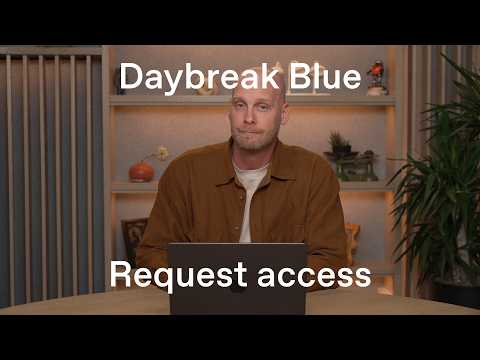 📺 How to request and enable Daybreak Blue
How to Request, Enable, and Verify Daybreak Blue Access
▼
Cybersecurity defenders can request access to Daybreak Blue, an advanced model offering, and manage that access across an OpenAI workspace. The walkthrough covers the administrative workflow for business verification, intended-use submission, role-based enablement, user verification in Codex, and API project configuration for automation. It focuses on access setup rather than model performance, pricing, or detailed security benchmarks.
■ Requesting access
- Start business verification in the Trusted Access section
- Complete third-party identity and business-detail checks
- Submit the intended-use form and Daybreak Blue terms, then monitor review status
■ Enabling user access
- Enable Daybreak Blue at the model level for all workspace users
- Use a role override to grant access to selected members
■ Verifying and configuring access
- Confirm the authorization banner and Daybreak selector in Codex
- Create a new OpenAI Platform project, add members, and generate a time-limited API key
The walkthrough is suited to security, IT, and workspace administrators who manage OpenAI access controls and API provisioning. Viewers gain a practical sequence for requesting, enabling, verifying, and preparing Daybreak Blue access for users and automated workflows.
この動画を紹介した OpenAI の最新動画も、紹介付きで読めます。
いつも見ているチャンネルも、同じように紹介できます。
いつも見ているチャンネルを追加する📄 このページの紹介文は AI が独自に生成したものであり、著作権をはじめとする他者の権利(商標権・名誉権・プライバシー等)を侵害しないよう配慮しています。動画の著作権は各作成者に帰属します。